

Describe the feature. Get one that belongs.
Petal Pro is a Phoenix SaaS codebase with tenancy, billing, auth, notifications and admin built in, and its conventions written down where your agent reads them.
One purchase, a year of updates included. Prefer to read first? Read the docs


588 Petal Pro licences since 2022
Build a transaction tracker. Users log incomeand expenses, each with a description, anamount, a type (income or expense) and adate. Transactions belong to the current userand are visible only to them. Use the datatable generator for the index.
- Edit(lib/petal_pro/finance/transaction.ex) belongs_to :user, validations
- Edit(lib/petal_pro/accounts/user.ex) has_many :transactions
- Edit(.../transaction_live/index.ex) scoped to current_user
- Edit(.../transaction_live/form_component.ex) user_id injected, never cast
- Done. Navigate to /app/transactions.
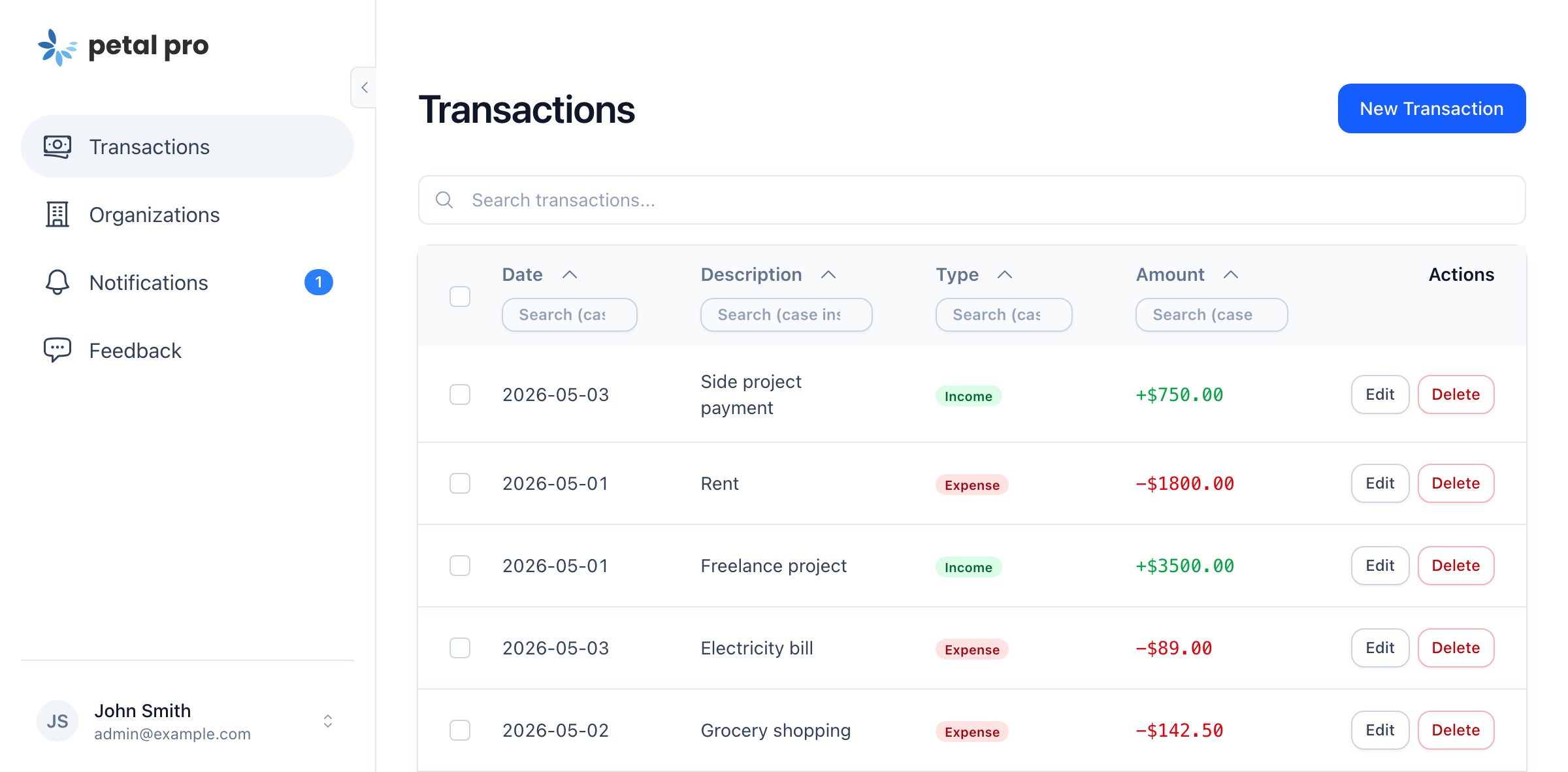
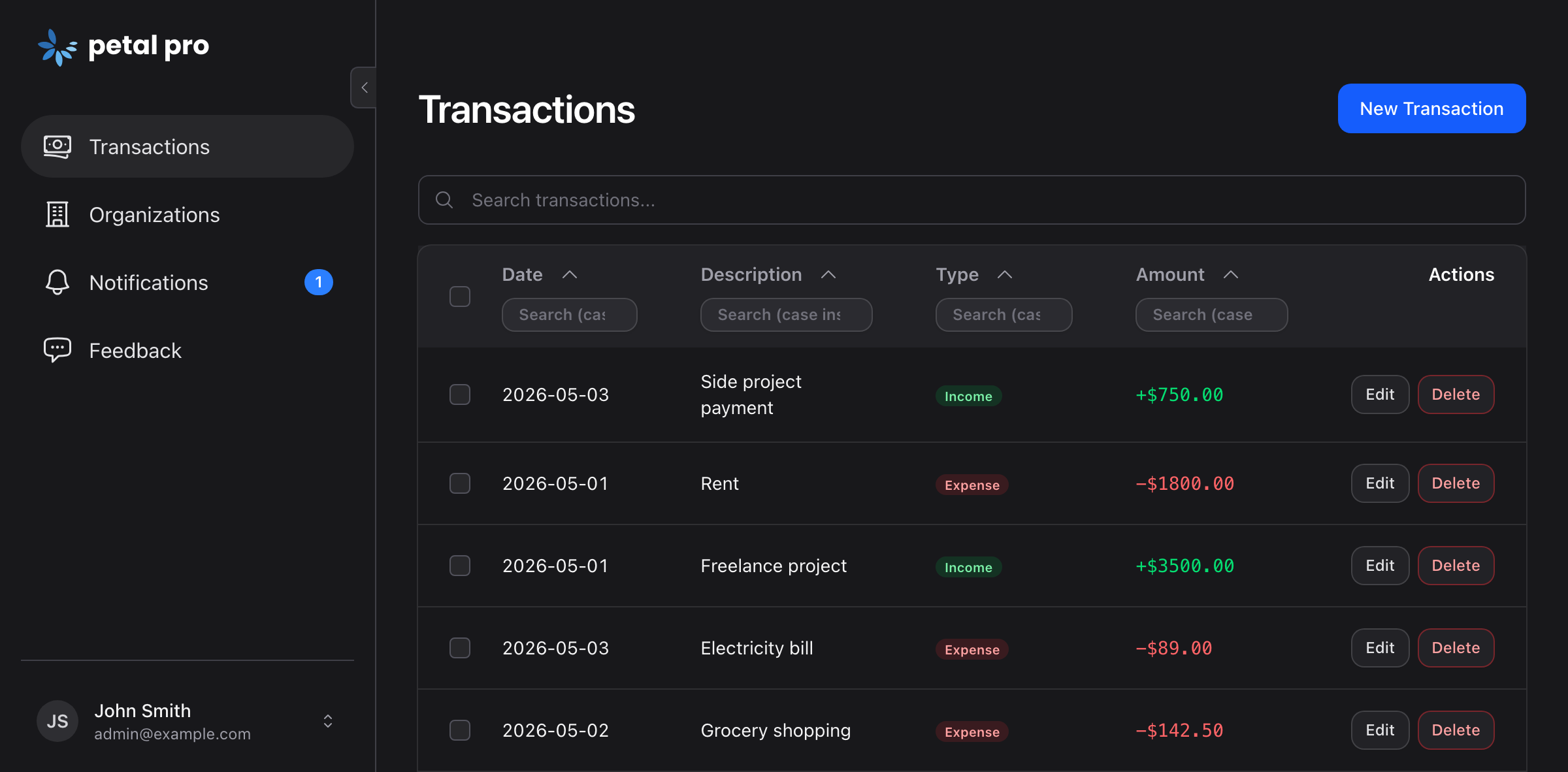
mix petal.gen.live --data-tableEcto.assoc(current_user, :transactions)
The loop
The next feature reuses the last one's plumbing.
The hero showed one feature land in the app. This is what happens on the second one: the agent registers a notification type and the settings page grows a row for it, because the page reads the registry rather than being rebuilt. Then it reviews its own work and commits.
    allow_disable_email: true
  },
  spending_exceeds_income: %{
    label: "Spending alert",
    description: "When your expenses exceed your income for the month",
    category: :product,
    channels: [:in_app, :email],
    allow_disable_in_app: true,
    allow_disable_email: true
  }
}
One registry, no settings work
The type is registered once. Delivery preferences, the bell and the email path read it from there.
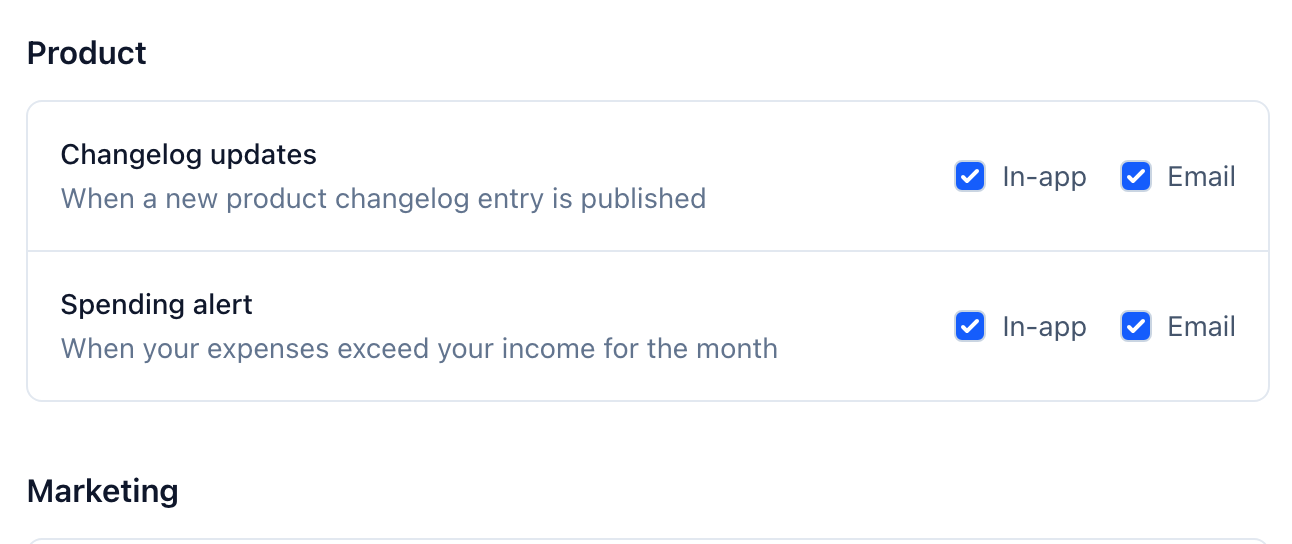
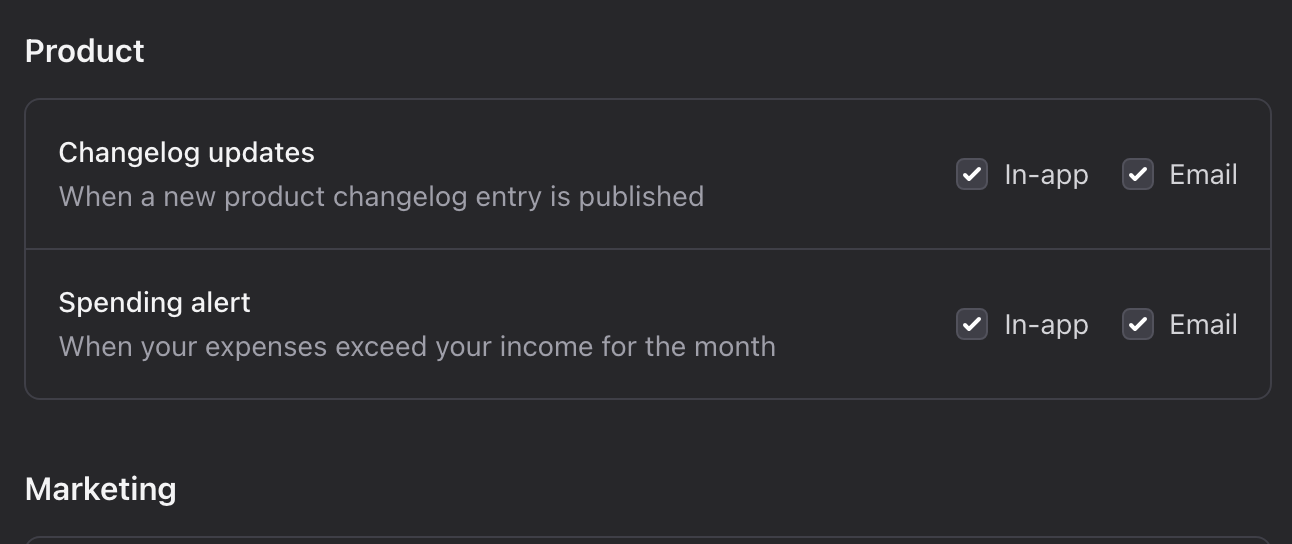
The row appears by itself
Settings, then Notification preferences, with the new type in the list. Nobody built a settings page.
Read the notifications docs-
/task:planwrites the task file -
/task:doimplements it, sub-agents review on the way -
/ciruns the pipeline locally -
/git:commitcommits when green
Plan it. Build it. Commit it.
What you still decide: the feature, the name, the price.
Read the Claude Code docs-
schema-architectUUID v7 keys, indexes, on_delete -
elixir-reviewercorrectness and conventions -
heex-reviewerinterpolation, components, a11y -
ui-ux-reviewerconsistency with the design system -
test-runnerruns the suite, reads the failures
Reviewed before it lands
They activate on their own during step two. A review pass is a call, not a prompt you rewrite.
In the box
The context ships with the code.
Every boilerplate says it is ready for agents. Open the zip and count. These files are versioned with the product, so the first prompt on day one already knows how tenancy, billing and the admin are done, and how to take any of them out.
- CLAUDE.md x6, scoped per directory
- AGENTS.md
- COMPONENTS.md
- .claude/
- generated/architecture.md
- generated/db-schema.md
- agents/ 5 sub-agents
- skills/ 14 skills
- commands/recipes/ 23 recipes
- commands/task/ plan.md do.md
What your agent finds
CLAUDE.md scoped per directory, AGENTS.md as its cross-tool twin for Codex, Cursor and the rest, and the commands, sub-agents and skills Claude Code runs.
Read the Claude Code docs-
/recipes:remove-billingfree or externally billed apps -
/recipes:remove-organisationssingle-user apps, no teams -
/recipes:remove-2fasimpler auth requirements -
/recipes:remove-oauthemail and password only -
/recipes:remove-apiLiveView-only apps -
/recipes:remove-admin-chatno AI in the admin panel -
/recipes:switch-to-single-tenantone org per user, like Notion or Linear -
/recipes:switch-to-user-billingbill people, not teams
Remove what you do not need
Each one edits the files, drops the migrations and runs the tests. The answer to "I only need half of it".
See all the recipesWhat you get
The parts that have to agree already do.
The decisions that are hard to retrofit, made once and made the same way: how a query is scoped, whether billing hangs off the user or the org, what deleting an account cascades to, where the admin sees it. Twelve systems, each linking to its docs page.
Sign-in and 2FA
Password, Google, GitHub, passwordless PIN, passkeys and TOTP, with rate limiting on the auth routes.
Read the docsOrgs and roles
Owner, admin and member roles, invitations that expire, and ownership transfer.
Read the docsStripe billing
Per user or per org on one config key, with the customer portal and metered usage.
Read the docsNotifications
In-app and email delivery set per type, and forced on for the security types.
Read the docsLive logs and jobs
Activity logs over PubSub, Oban for background and cron work, Oban Web and LiveDashboard behind admin.
Read the docsAdmin chat and MCP
One action registry serves both, with the tokens and cost of every call logged.
Read the docsGDPR
A JSON export of everything you hold on a person, and a deletion cascade that runs on Oban.
Read the docsChangelog with banner
Public release notes, and a banner that puts the latest entry in front of people already signed in.
Read the docsFeedback with admin board
A form in the app, filed against the page it came from, and a board with filters behind it.
Read the docsUploads and deploy
S3, R2, Tigris, Cloudinary or Bunny for files. A Dockerfile, a Fly workflow and Sentry for the rest.
Read the docsAfter launch
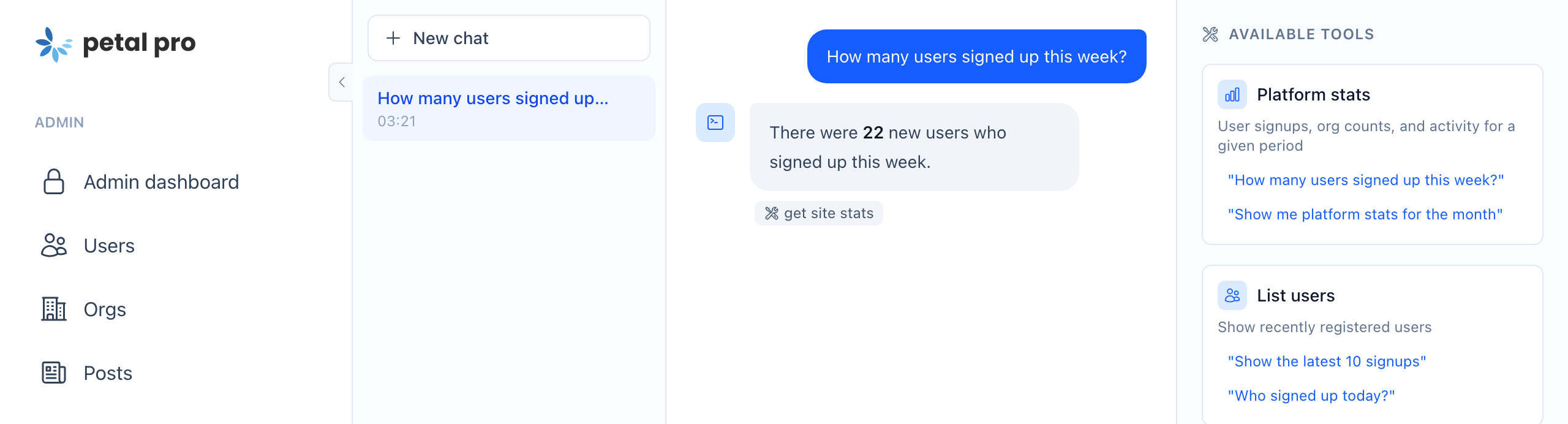
Ask your app a question.
The admin chat and the MCP server share one registry of actions, so the same question answers in the admin panel or from your agent over MCP, against the running app. Every call is logged with its tokens and cost.
{
  "mcpServers": {
    "petal-pro-dev": {
      "type": "http",
      "url": "http://localhost:4000/api/mcp",
      "headers": {
        "Authorization": "Bearer dev-mcp-token"
      }
    }
  }
}
-
get_site_stats -
list_recent_users -
search_users -
manage_user -
list_orgs -
manage_org -
get_ai_call_stats -
list_changelog_updates -
create_changelog_update -
manage_changelog
POST /api/mcp
JSON-RPC 2.0 10 tools
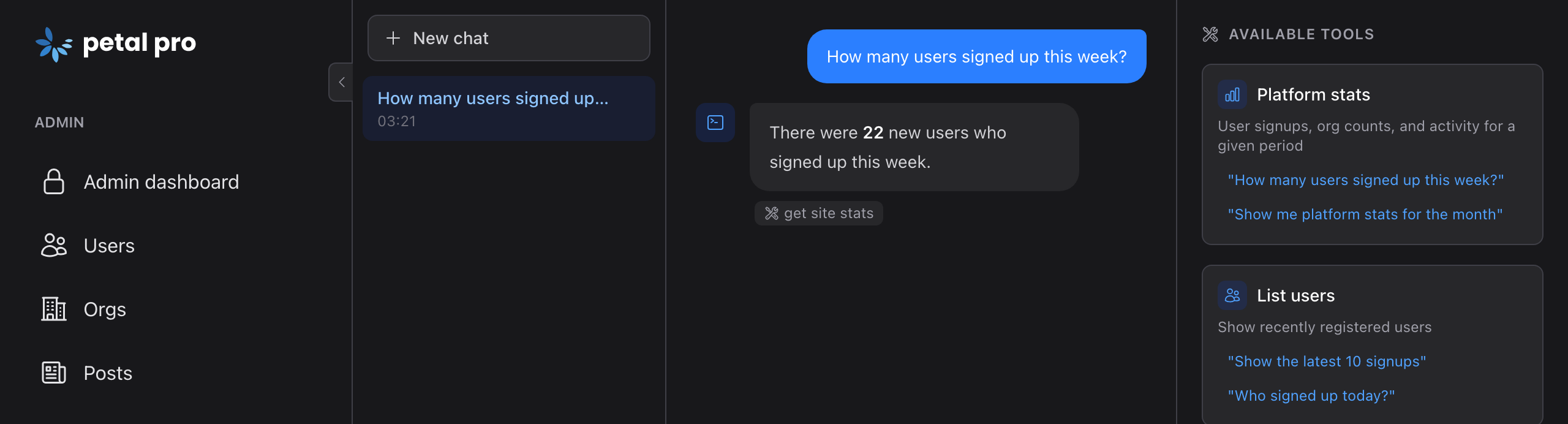
The admin chat, mid-task
A real answer and the tool it called to get it. Conversations persist, with a sidebar of recent chats.
Read the admin chat docsThe same tools over MCP
One Jido action registered once serves both clients. Destructive actions are audit-logged.
Read the MCP docsUpdates
A year of updates looks like this.
Every purchase includes a year of releases, with upgrade notes when a release needs them. These are the most recent, straight from the changelog.
- aurora and border_beam go free Both effects now come from the free library, rebuilt with glow, multiple beams and spring easing, so Pro drops its own copies.
- Private file uploads, R2 and Tigris, SAML SSO Private uploads served through presigned URLs, Cloudflare R2 and Fly Tigris as storage, old avatars cleaned up on their own, and a SAML SSO recipe.
- Petal Components 4 Petal Components 4 under the hood: every component on LiveView.JS, its own JS bundle wired into app.js, and the js_lib attribute gone.
- Passkeys and persistent AI chat Passkeys for sign-in or as a second factor, and admin AI chats that persist with a sidebar of recent conversations.
1 year of updates included Full refund within 7 days if you're not satisfied
The boilerplate is done.
Describe what comes next.
Auth, orgs, billing, notifications and admin, with the conventions your agent reads, in one download.
- A year of releases, with upgrade notes when a release needs them
- The live demo, reseeded every hour
- The recipes to remove what you will not use
Full refund within 7 days if you're not satisfied. Questions? Read the docs
588 Petal Pro licences since 2022