



Typeset is how Petal Components does fonts: three CSS custom properties the library reads but never defines. Set none of them and every component inherits your app's stack exactly as it does today. Set one and the surfaces that should follow it do, in light and dark, with no Elixir configuration and no build step. Try it - every preset below is a system face already on your machine, so nothing is downloaded:
No tokens set - this is your app's own stack.
The quick brown fox jumps over the lazy dog
A lead paragraph sits between heading and body, one size up.
Body copy carries the middle emphasis tier. It pairs
inline_code
with strong text, and a key cap like
⌘K
stays on the body face on purpose: keys are labels, not code.
That is the whole mechanism. The playground is the same idea across every component at once, with a curated catalogue of real faces:
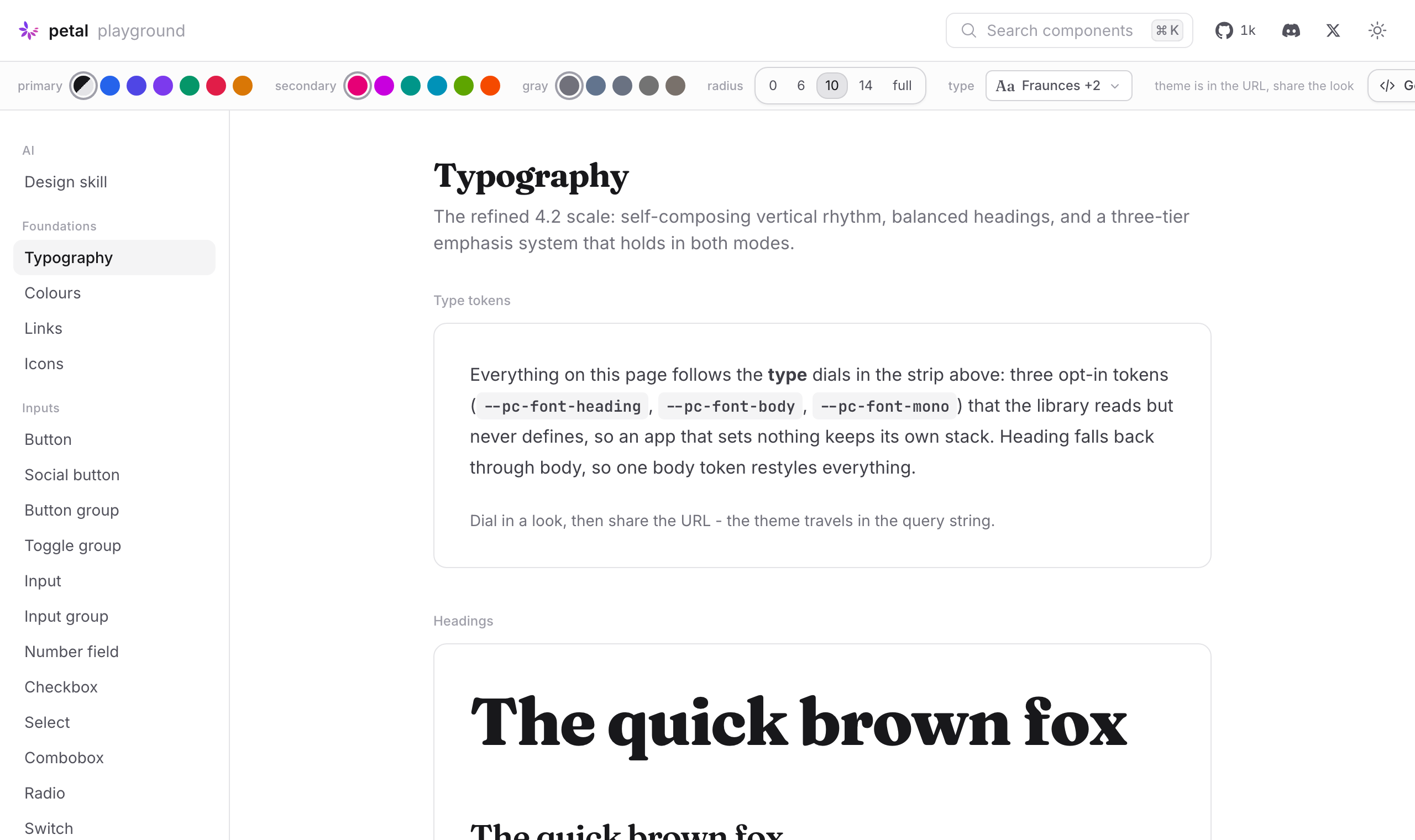
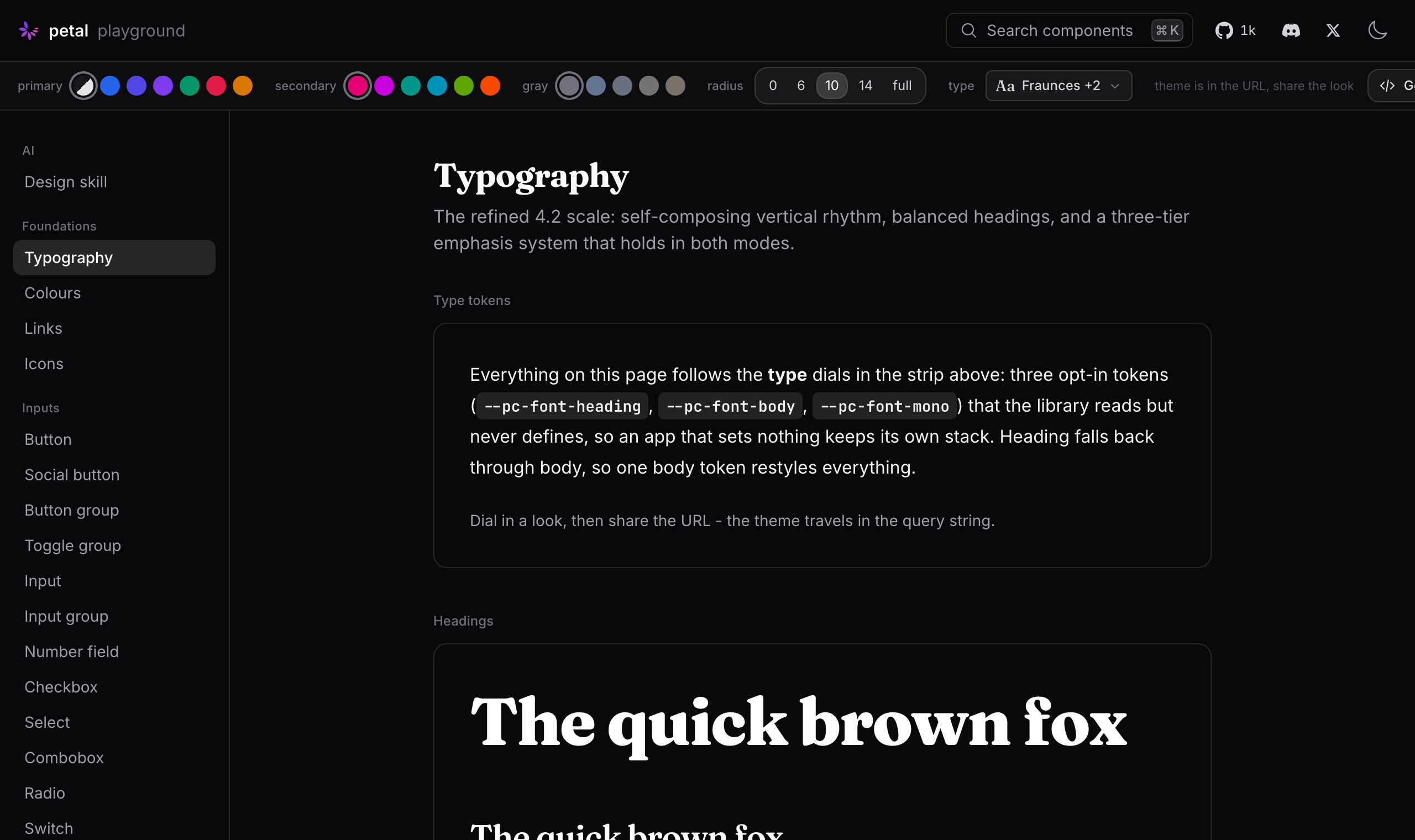
Three tokens, one dial
          --pc-font-heading   the heading components and prose headings
--pc-font-body      the reading surfaces: typography, prose, chat
--pc-font-mono      inline code, code blocks, tool output
Heading falls back through body, so one body token restyles everything; mono falls back through Tailwind's own `--font-mono`. The library ships no font files and no defaults of its own. That is deliberate: a component library that picks your typeface for you is a component library you fight.
Wiring it into an app
For a whole-app face, don't reach for the tokens at all. Set Tailwind's theme font and preflight reskins everything, Petal Components included. The tokens cover what that cannot express: a heading face distinct from body, or a face scoped to one section.
          /* assets/css/app.css */

/* the whole app */
@theme {
  --font-sans: "Inter", ui-sans-serif, system-ui, sans-serif;
  --font-mono: "JetBrains Mono", ui-monospace, monospace;
}

/* headings get their own face */
:root {
  --pc-font-heading: "Fraunces", ui-serif, Georgia, serif;
}

/* optional: raw h1-h6 outside <.h1>..<.h5> follow it too */
h1, h2, h3, h4, h5, h6 {
  font-family: var(--pc-font-heading, inherit);
}
Two things the library decides for you so they stay consistent everywhere: key caps (`<.kbd>`) follow the body face and never mono, and chat markdown headings stay on the body face because a display serif at a chat bubble's dense scale reads as a glitch. Charts follow along as well. ECharts paints into canvas, where CSS cannot reach, so the chart theme copies the container's computed font into every label.
The playground does the typing
The fastest path is not this page. Open the playground, pick faces in the Typeset panel (a curated catalogue of 24 open fonts, every one self-hostable), and every component on screen re-renders live. The look travels in the URL, so a link is a design handoff.
Then press Get code. It emits the complete start story for the look you dialed: the install lines, the theme block, the font files to fetch with correct per-family weight ranges and a preload line for the root layout, and a prompt you can hand straight to your coding agent. That last part is the point: in an AI-first workflow the human moment is choosing the look. Everything mechanical after that is the agent's job, and Get code gives it exactly what it needs.
Self-hosting a face
Phoenix has no npm font pipeline, and it does not need one. Fetch the variable `woff2` into `priv/static/fonts/` (already served by the generated `static_paths`), declare it with `font-display: swap` and `format("woff2-variations")`, and preload the body face in the root layout. Get code writes all of this for you, including the real weight range for each family. Half the popular variable fonts are not `100 900`, and a wrong range quietly disables weights.
          @font-face {
  font-family: "Fraunces";
  font-style: normal;
  font-weight: 100 900;
  font-display: swap;
  src: url("/fonts/fraunces-latin-wght-normal.woff2") format("woff2-variations");
}
Every face in the playground catalogue is under the SIL Open Font License, so self-hosting is a fetch and a commit, not a licence conversation.